Find a sports match near you
PinMatches shows the matches organised around you on a map, in the sports you play. Join one in a single tap, or create your own — and talk to the other players before you meet up on the pitch.
Coming soon on Google Play

What the app does
-
Nearby matches, on a map
Every match is a point on the map: a sport, a place, a date, a time and a number of players. The map only shows the sports you have turned on, around your position. Creating a match takes a few seconds — the other players see it appear on theirs.
-
Your sports, your map
Turn on as many sports as you like: the map is limited to those. A sport you are no longer interested in can be turned off at any time, without affecting the matches you have already joined.
-
“My matches”, from nearest to furthest
Every match you have joined, across all sports, on a single screen and sorted by distance. From there you can open a match's details, its chat, and leave it with one button.
-
One chat per match
Every match has its own conversation, reserved for its participants: confirm the time, warn that you will be late, share out the equipment. It opens as soon as you join the match and closes when you leave it.
-
Reporting and blocking
An inappropriate message can be reported from the message itself, with a reason; we receive the message, its author and the conversation it belongs to. You can also block someone — their messages disappear from your screen immediately. See the community guidelines.


The app in pictures
-
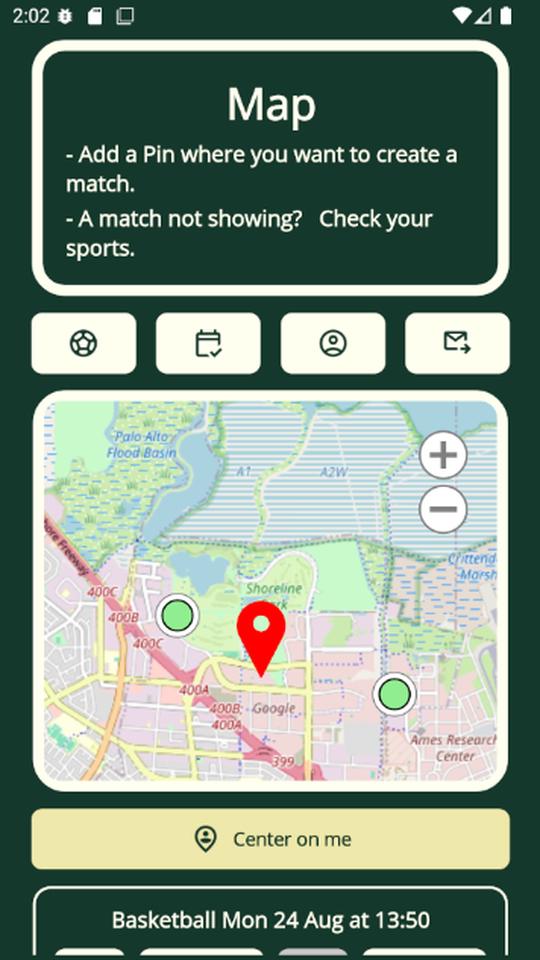
The map of matches around you. -
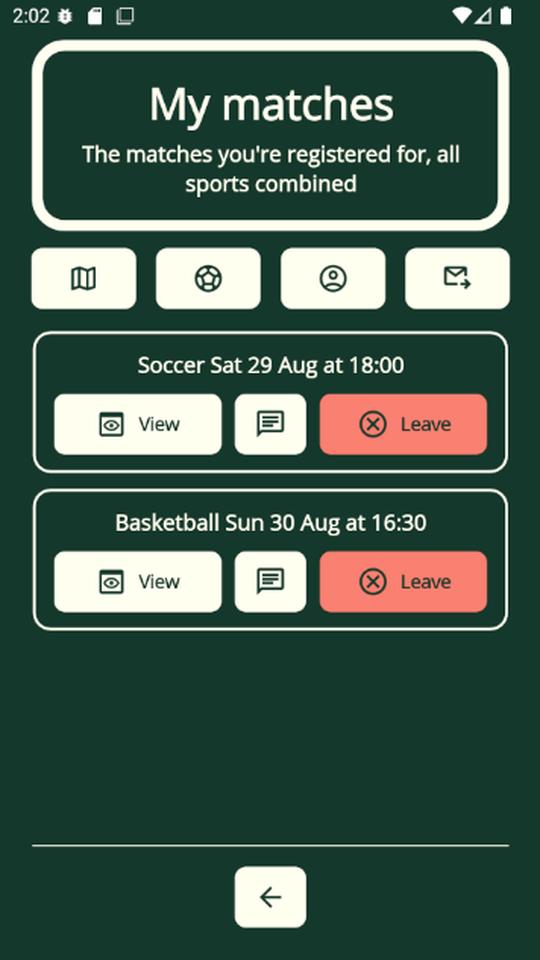
“My matches”, sorted from nearest to furthest. -
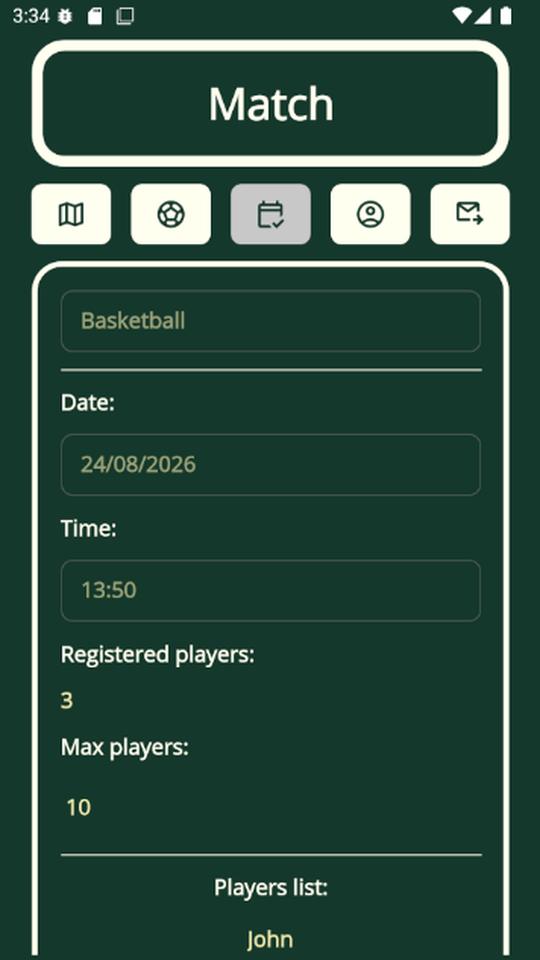
A match’s details and the players signed up. -
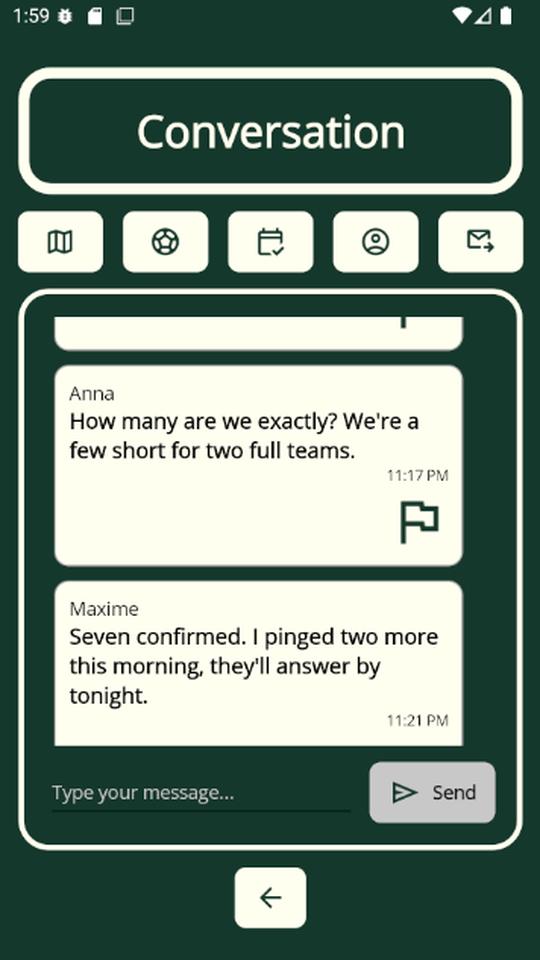
The chat of a match.


In practice
Location
The app asks for your location while you are using it only, to show nearby matches: it never tracks you in the background, and your position is not kept. The place of a match you create, on the other hand, is stored — it is the point all users see. Details in the privacy policy.
Advertising
The app displays Google AdMob ads. A consent form is shown on first launch, and your choices can be changed at any time from Profile → “Manage my ad choices”. Without consent to personalised advertising, the ads shown are non-personalised.
Account
Signing up asks for a username and a password — no email address, no phone number, no social network. You can delete your account from the app, or ask us to if you have uninstalled it: see account deletion.
Languages
French and English, selectable in the app (Profile → Language).
What about iPhone?
An iOS version is in preparation; it is not available yet. PinMatches can currently only be downloaded from Google Play.
A question?
The support page answers the most common questions (empty map, location denied, forgotten password, mandatory update). Otherwise, write to us at contact@pinmatches.com.